 Book a class
CONTACT THE SHIRE
Questions?
We’re here.
Tell us what you need and we’ll help you find the right class, membership, coach, or next step.
SEND US A NOTE
How can we help?
Interested in joining The Shire, wondering which option fits, or having trouble with your account? Send us a message and we’ll be in touch.
Looking for a quick answer? Scroll down to FAQs ↓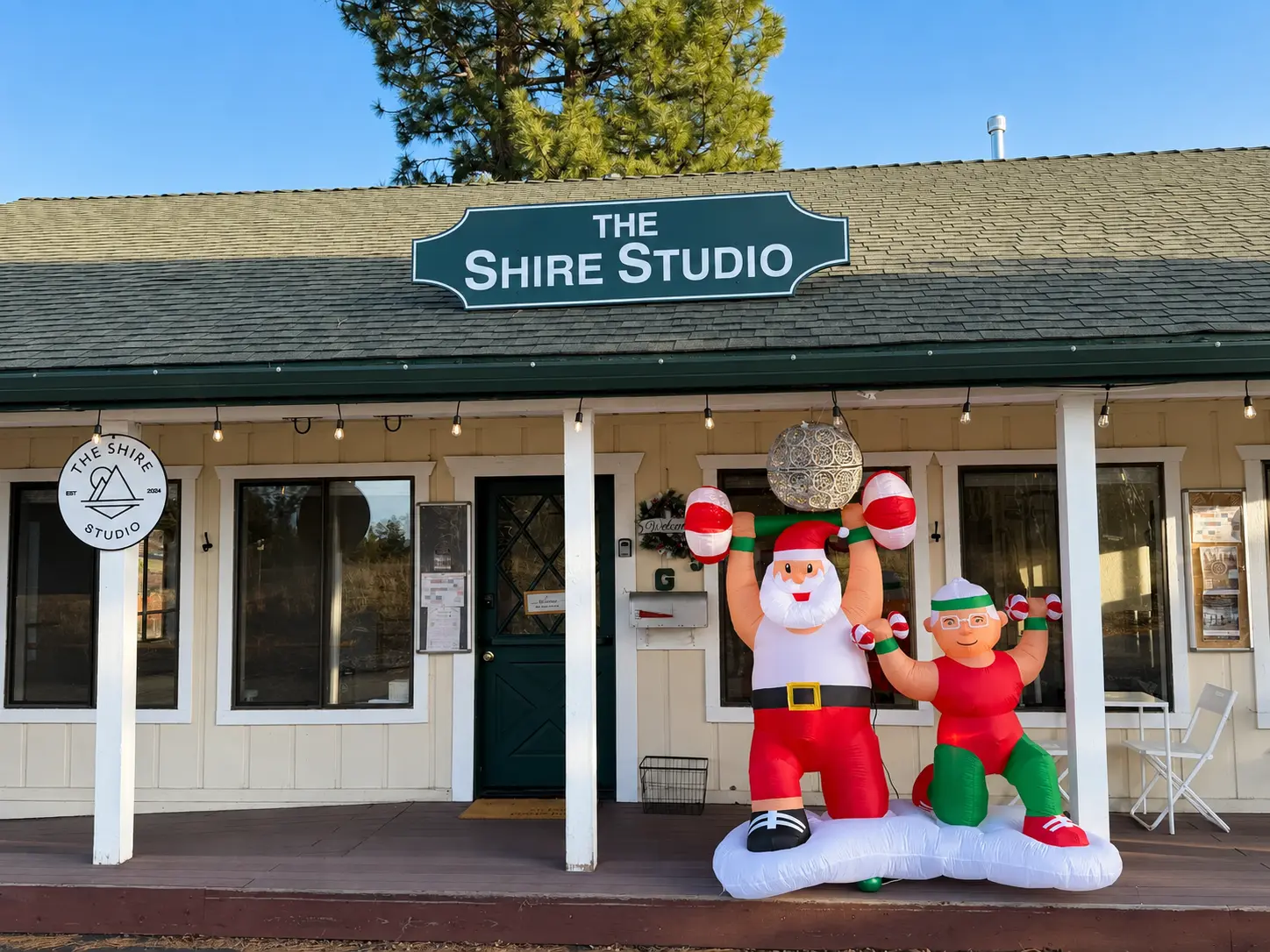
FIND YOUR PEOPLE
The work is real.
So is the fun.
We’re serious about helping you feel stronger—but we don’t take ourselves too seriously. Look for The Shire sign across from Glenshire Market and come as you are.
Come join usFREQUENTLY ASKED QUESTIONS
Quick answers.
Account, package, guest, promo, payment, and cancellation guidance—all in one place.
How do I log in to my account?+
Open the booking page and use the email associated with your purchases or bookings. Select the profile icon in the upper-right corner. If you need a reset, choose “Forgot Password” and check your spam folder. Email us if the reset message still does not arrive.
How do I cancel my unlimited membership?+
Log in through the booking page, open Active Packages, then select the menu on the far right of your membership to cancel future renewals.
When does my package expire, and how many sessions do I have left?+
Log in and open Active Packages to see remaining sessions and expiration dates. Drop-ins and 5-packs expire after 60 days, 10-packs after 90 days, and 20-packs after six months.
Where can I see all upcoming classes?+
Visit our live class schedule to see current classes, instructors, availability, and special pop-ups.
How do I book for a guest or child?+
Packages may be shared with family members or guests. Book your class as usual, choose “Add a Guest” at checkout, and enter a different email address for that participant. Gmail users can also use an alias such as yourname+guestname@gmail.com.
How do I apply a promo code?+
Choose a class or package and continue to checkout. On the payment screen, open “Have a promo code or gift card?”, enter the code exactly as shown, and select Apply. Codes are case-sensitive. Email us before completing payment if a valid code does not work.
How do I update my credit card?+
Log in, open Account, then go to Payment Methods. Select “Add New Payment Method,” save the new card, and remove the old one. Contact us if your changes do not save.
How do I cancel an upcoming class?+
Log in and open Bookings, choose the class, and select “Cancel Reservation.” You can also cancel from the original booking-confirmation email. A confirmation email or text verifies that your spot was released.
What is the class cancellation window?+
Please cancel at least nine hours before class. Late cancellations and no-shows may result in the loss of a package session or a fee for members under the studio policy.
How do I stop receiving texts or emails?+
Reply STOP to a studio text to unsubscribe from texts. To stop marketing emails, use the unsubscribe link at the bottom of the email.